 Querno
A LaTeX editor that stays on your Mac.
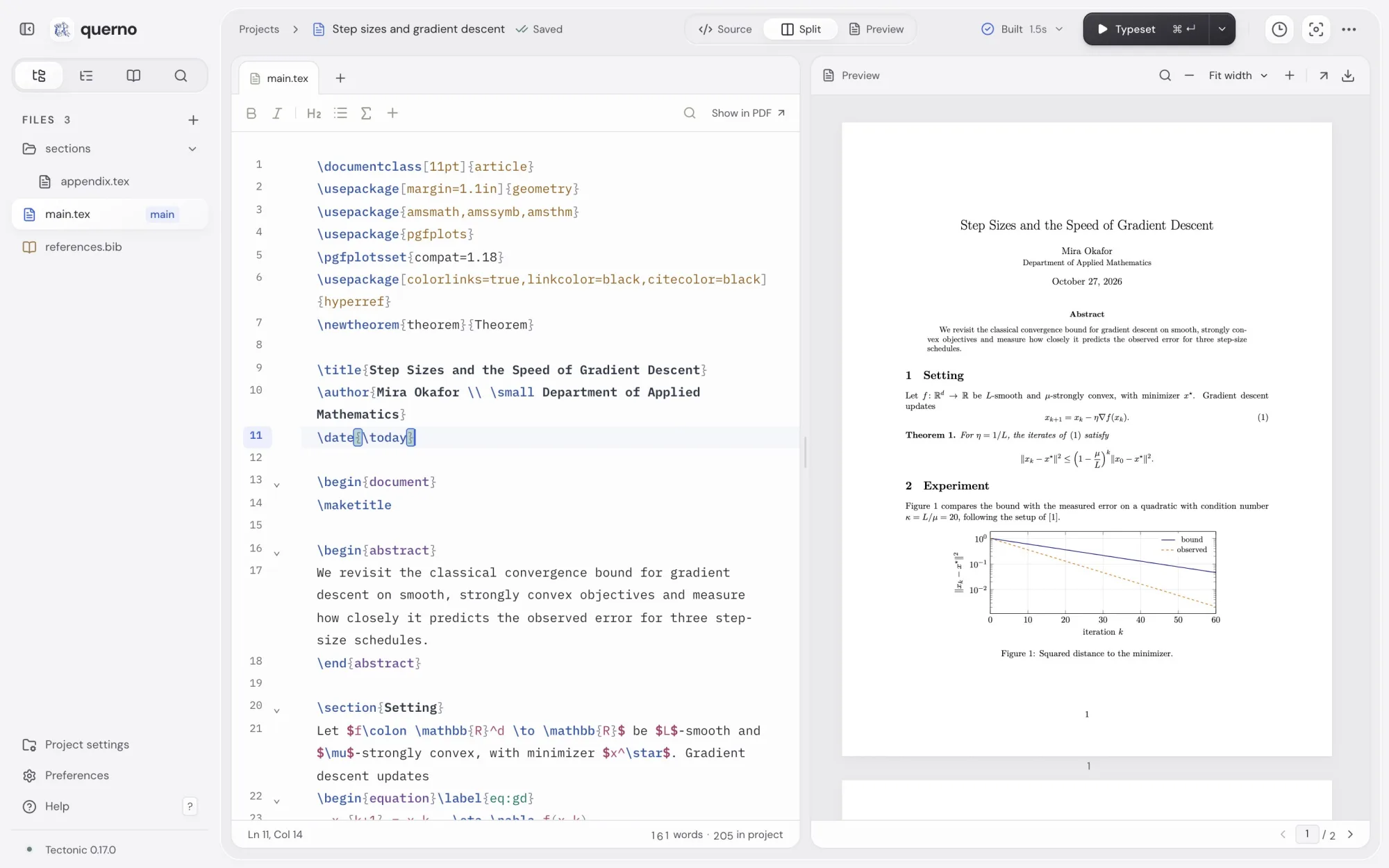
Querno is a local LaTeX editor with a live PDF preview. It typesets with a bundled engine, needs no account, and keeps every project, PDF and version on your own disk.
- Platform
- Mac
- Year
- Oct 2026
- Built with
- React, TypeScript, CodeMirror, PDF.js, Node.js, Express, Tectonic, isomorphic-git, Swift, WebKit
On the page
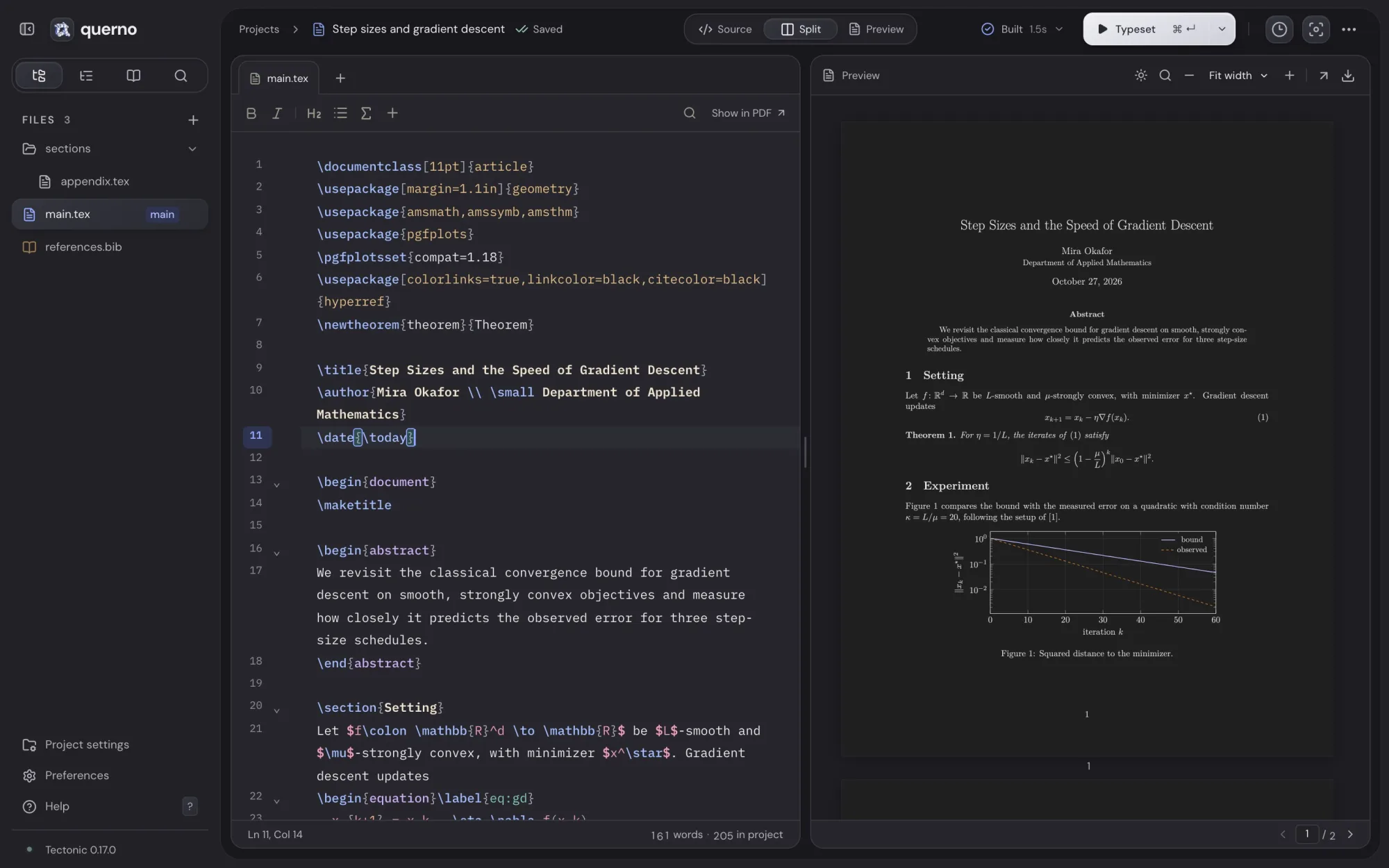
Write the source on one side and read the page on the other. Builds run after a pause in typing, or right away with ⌘↵.
“Show in PDF” scrolls to the line under the cursor, and double-clicking the PDF jumps back to the source that produced it. Common errors are explained in plain words and linked to their file and line.
\[ e^{i\pi} + 1 = 0 \]Display math, centered on its own line.
Drawn here in the browser. Querno sets the real page with Tectonic.
The library
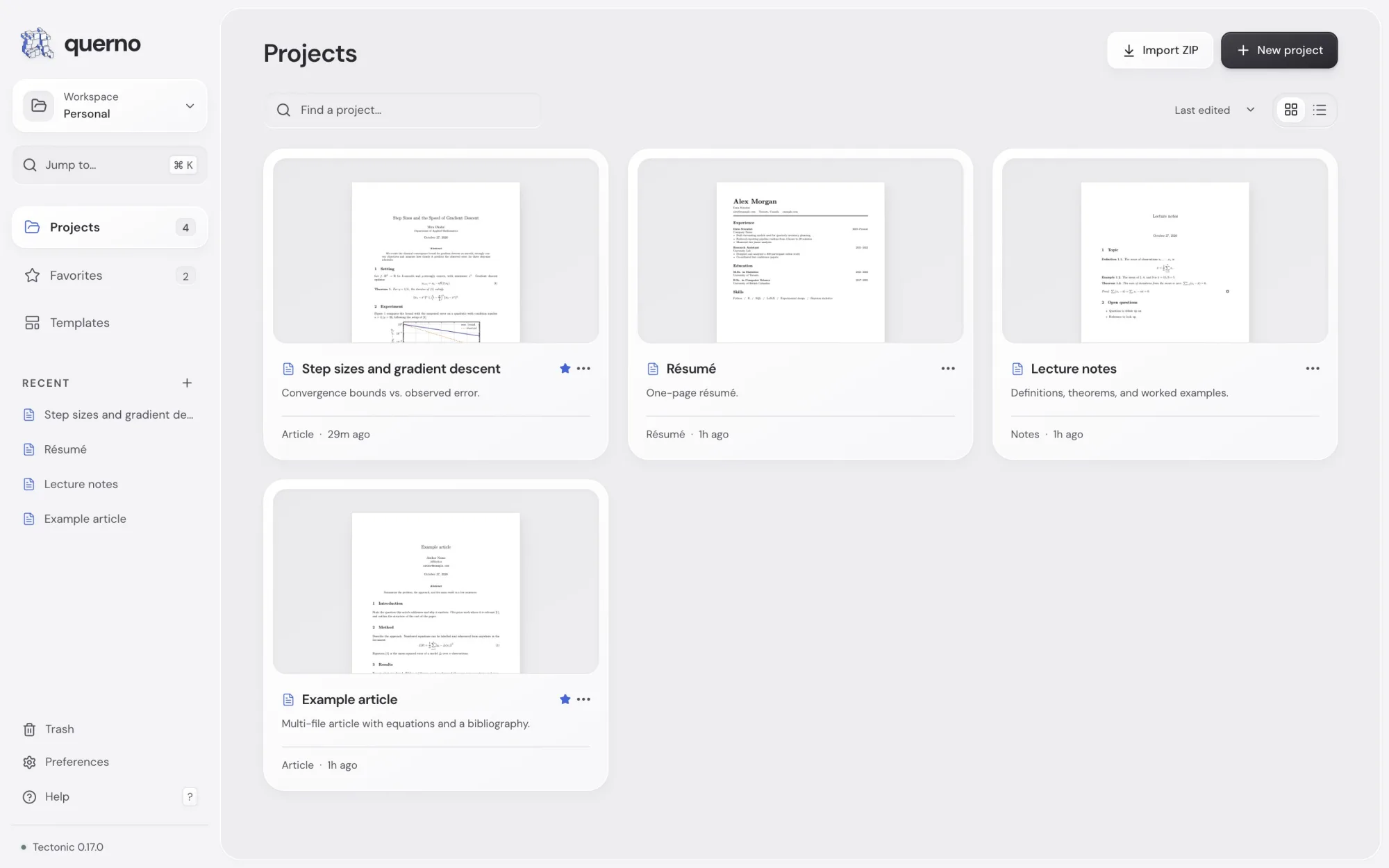
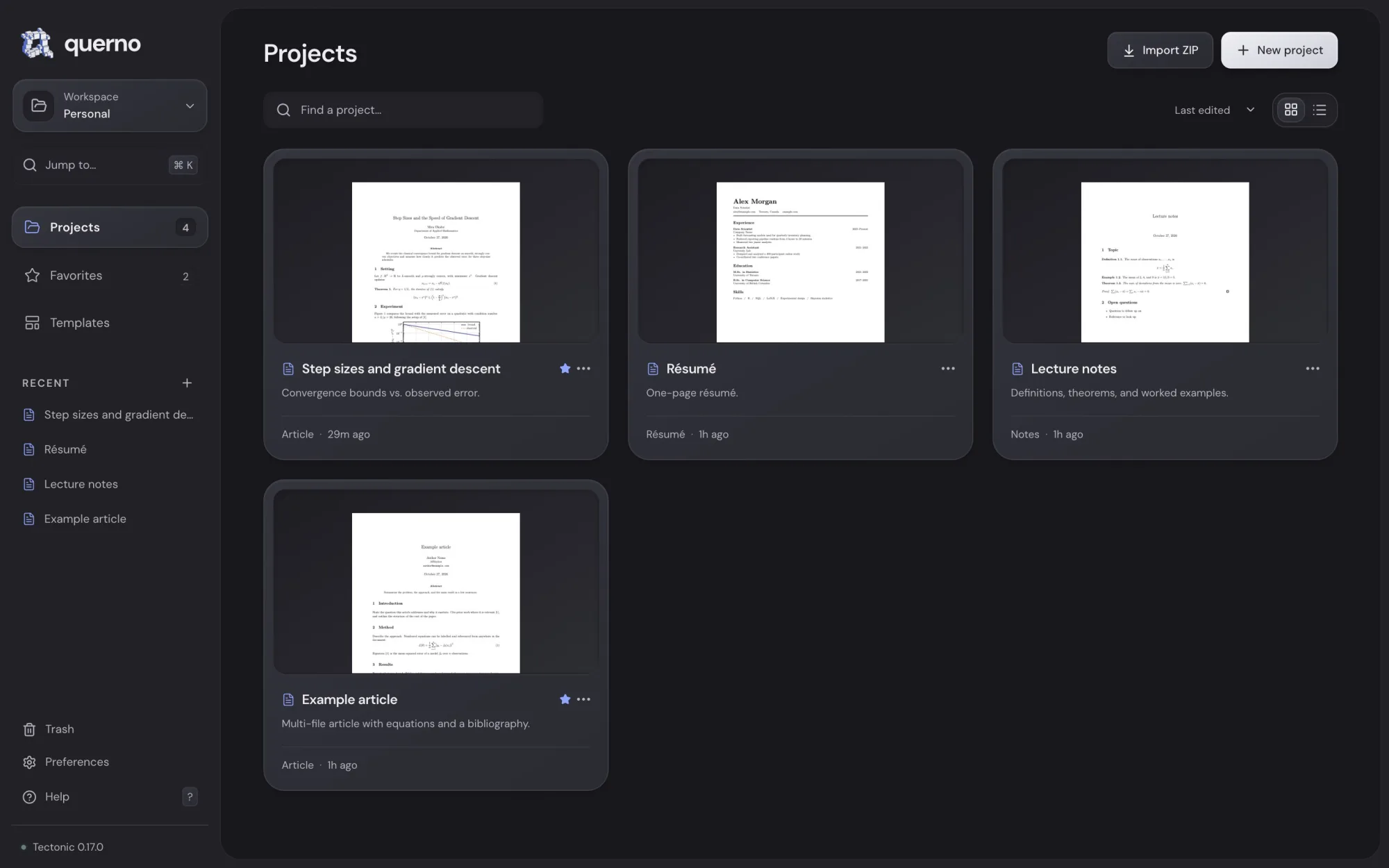
Projects sit in workspaces, with favorites, search, and a trash that never empties itself. New ones start from six templates: blank, article, notes, report, résumé and letter. Any project imports from or exports to a plain ZIP.
How it’s built
- Typesetting
- A bundled copy of Tectonic 0.17.0, pinned and checked by SHA-256, fetches TeX packages on demand and reruns until references settle. pdfLaTeX, XeLaTeX and LuaLaTeX work too when they are installed.
- Local service
- A small Node service listens only on the loopback interface. Each build compiles a snapshot of the saved sources, can be cancelled, and keeps the last good PDF when it fails.
- Version history
- Every save is committed to a private Git repository inside the project through isomorphic-git. Restoring an old version adds a new one, so later work is never lost.
- The Mac app
- A Swift shell hosts the React editor in a WebKit window with native menus, file pickers and export dialogs. Projects live in ~/.querno, so replacing the app keeps them.