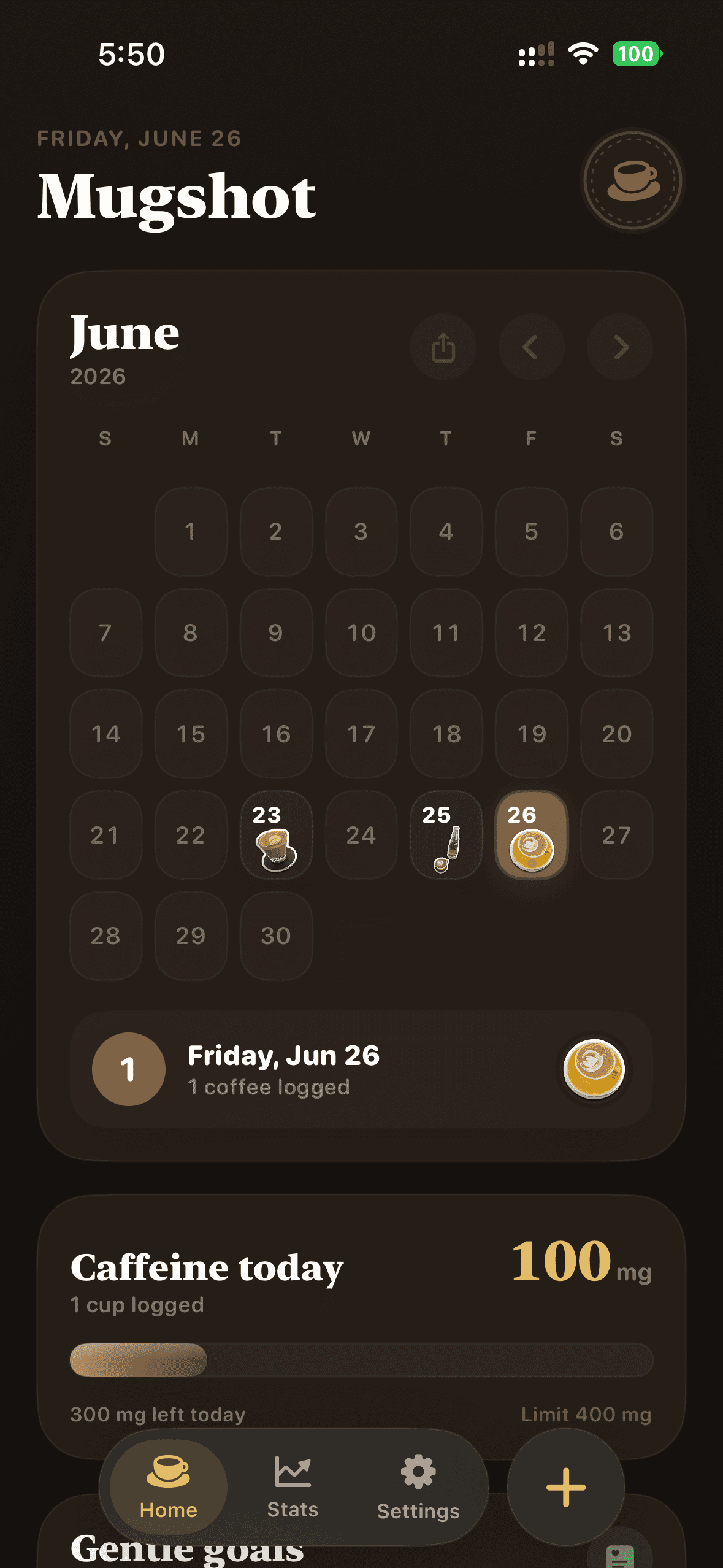


Your day, on display.
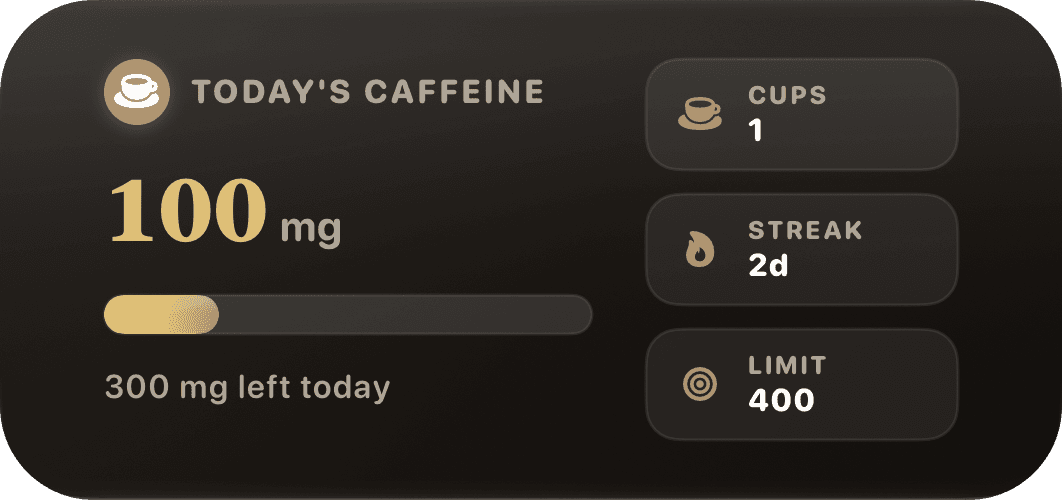
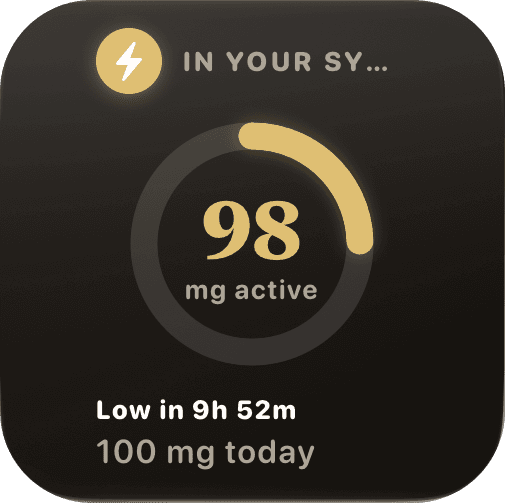
Home-screen widgets keep today’s total and estimated active caffeine close. No need to open the app.
 MugshotA little daily ritual
A coffee journal with a soft spot for the little things. Turn your cup into a sticker, collect your days, and make a memory out of your morning.
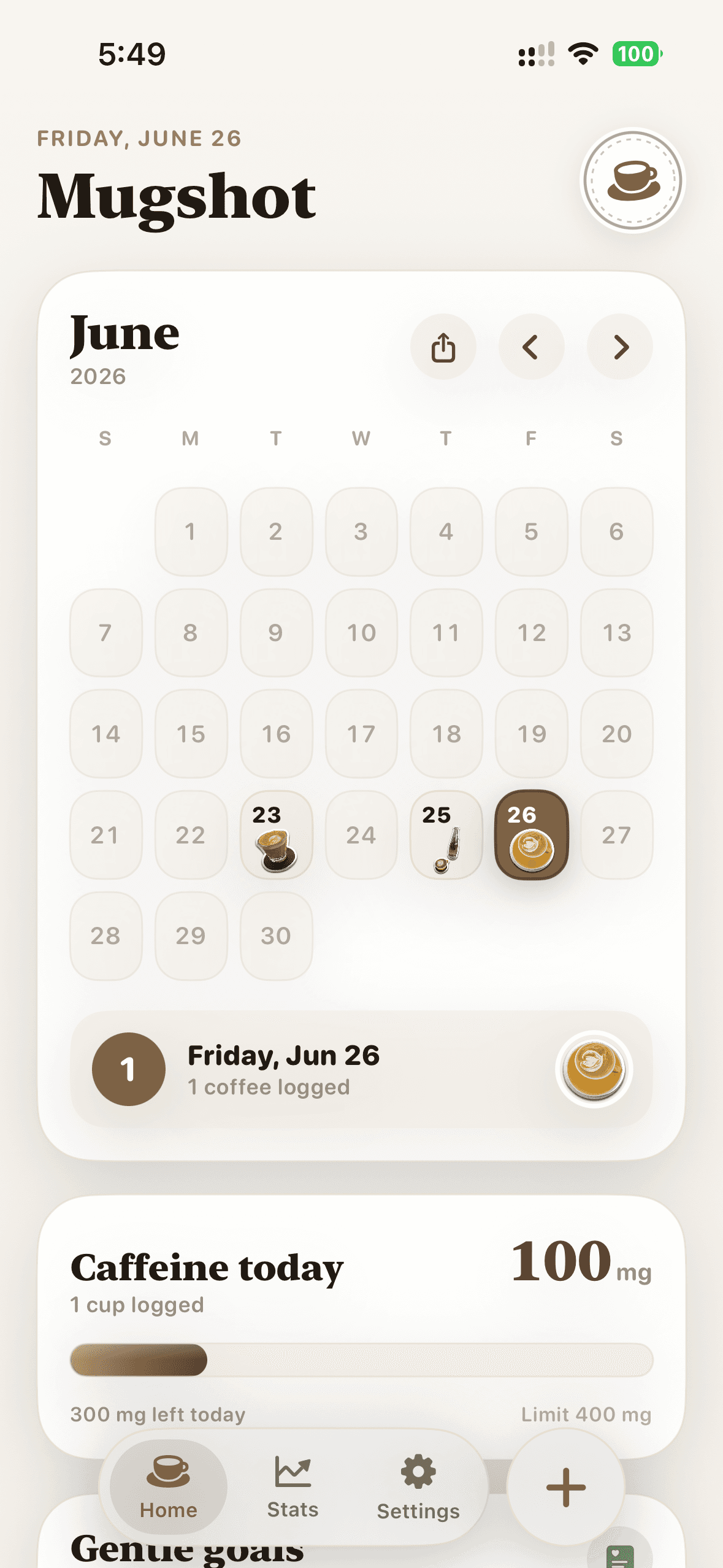
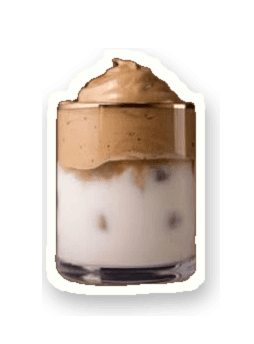
Pick a drink. Drop it in your journal. Move it somewhere that feels just right.
Illustrative drink estimates, just like the editable entries in the app.
Every cup gets its own place. A familiar calendar becomes a collection of the drinks, days, and tiny rituals you want to remember.
Your photos. Your stickers. Your story.A gentle caffeine meter. Widgets that fit your day. A month of memories, ready to share.
Home-screen widgets keep today’s total and estimated active caffeine close. No need to open the app.
Editable drink estimates and a personal daily target. The active-caffeine view uses a five-hour half-life model.
Illustration: 247 mg of a 400 mg target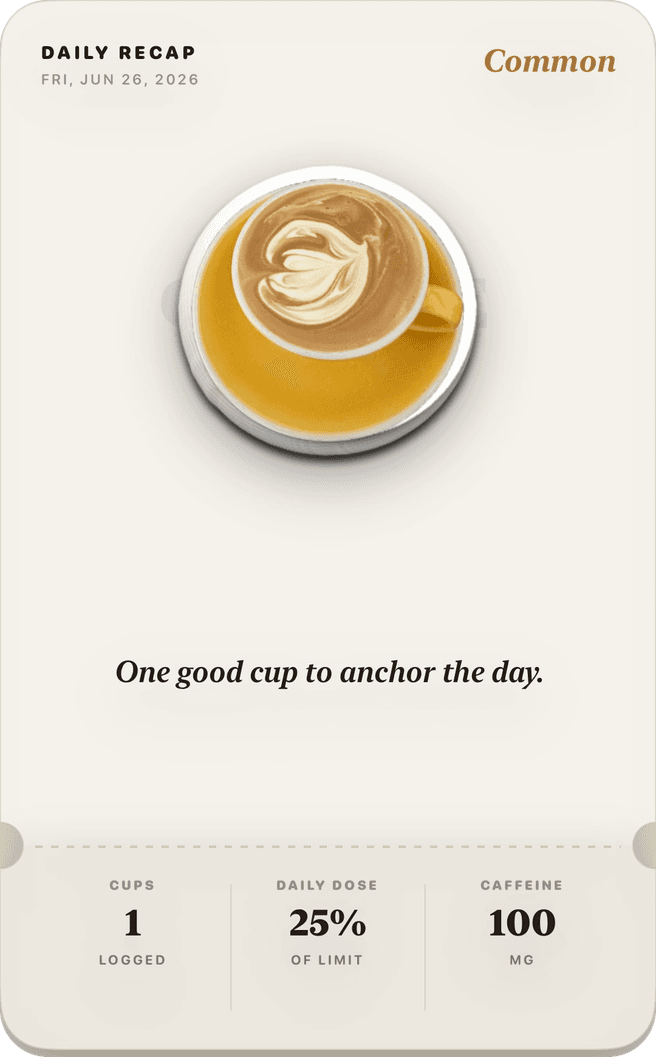
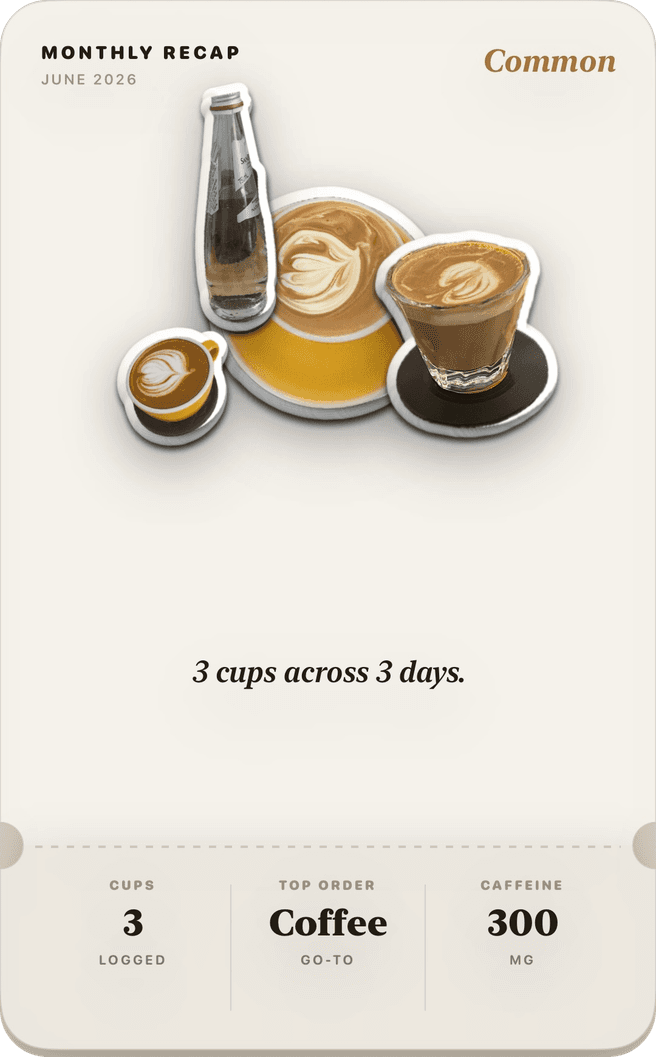
Your favorites, your habits, your coffee persona. Daily and monthly recap cards turn a private ritual into something you can share.
Built solo in SwiftUI. Capture, cutout, drink analysis, and storage stay on device.
Start with the camera or a photo you already love.
Vision isolates the drink, with flood-fill and crop fallbacks.
An on-device model estimates drink type, serving size, and caffeine.
Save locally, refresh widgets, and optionally sync caffeine to Apple Health.
Foreground extraction and drink analysis run concurrently. Vision’s foreground lift is preferred; classical flood-fill and a rounded-crop fallback keep capture resilient. The drink and its image are stored locally as JSON and image files, with an atomic backup manifest.
Appearance, a personal caffeine target, weekly logging goals, optional reminders, and Apple Health sync live in Settings. WidgetKit snapshots refresh after saves and use the same caffeine model as the app.