 Clui
CluiThe better UI for Claude Code
A calm, transparent overlay that floats above every window and stays out of your way until you summon it. No API key. No friction. No trace.
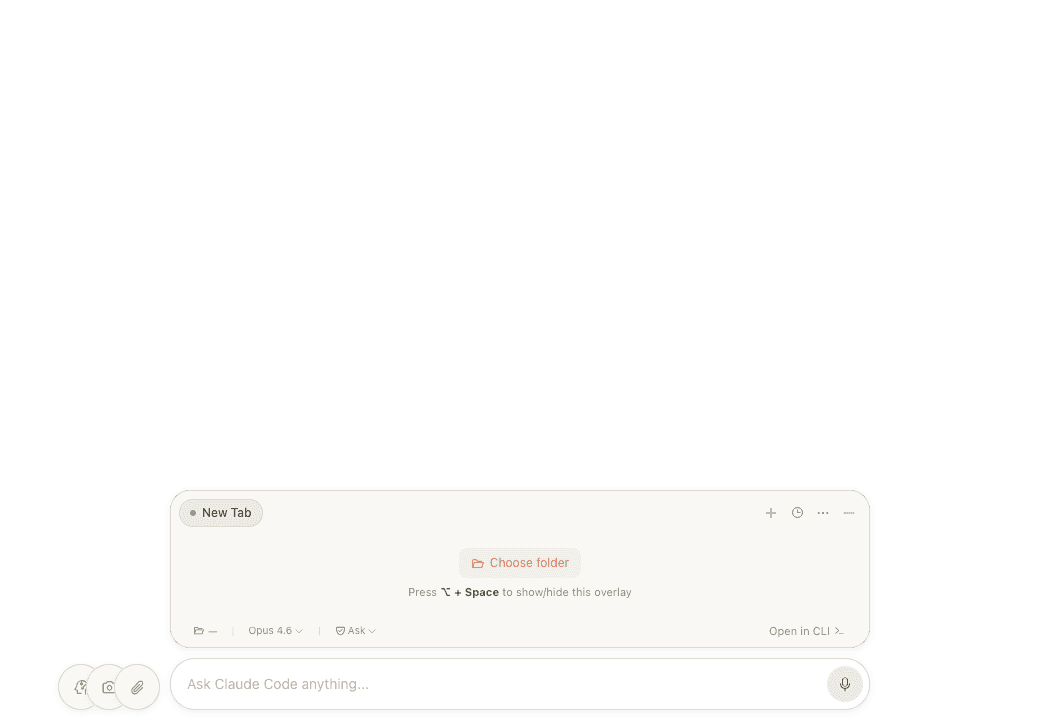
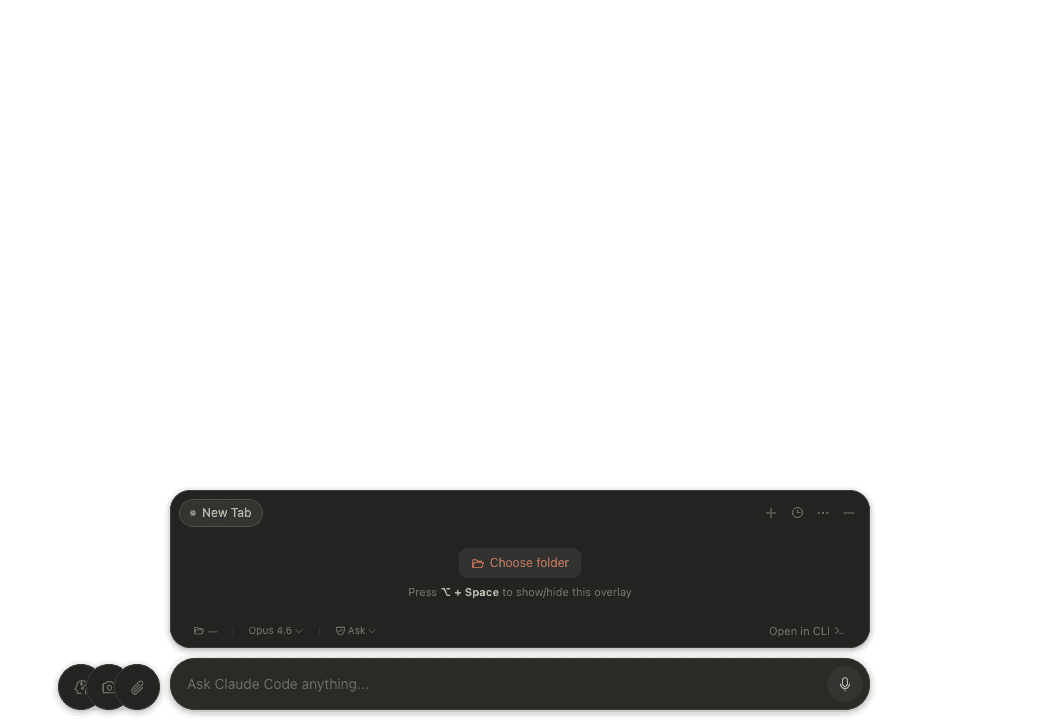
Clui wraps the Claude Code CLI in a floating pill interface: multi-tab sessions, a permission approval layer, voice input and a skills marketplace, all without ever asking for an API key. It uses the auth you already have.
It began as a fork of Lucas Couto's clui-cc. I wanted a cleaner way to install and version it, then kept adding the features I missed. The result is a lightweight macOS overlay that feels native to the way I actually work.
Press two keys.
Claude appears.
⌥ Space summons Clui above every window, in any app, wherever you are. The same shortcut sends it away. It leaves no dock icon and no menu clutter, just a transparent, click-through window that stays on top only when you want it.
Summon from anywhere · no dock icon, no trace
The renderer never talks to a model directly. It sends your prompt to the main process, which spawns claude -p and pipes its NDJSON event stream straight to the UI, so every message, todo and tool call renders the moment it arrives. When a tool wants to act, the hook pauses the stream and waits for you.
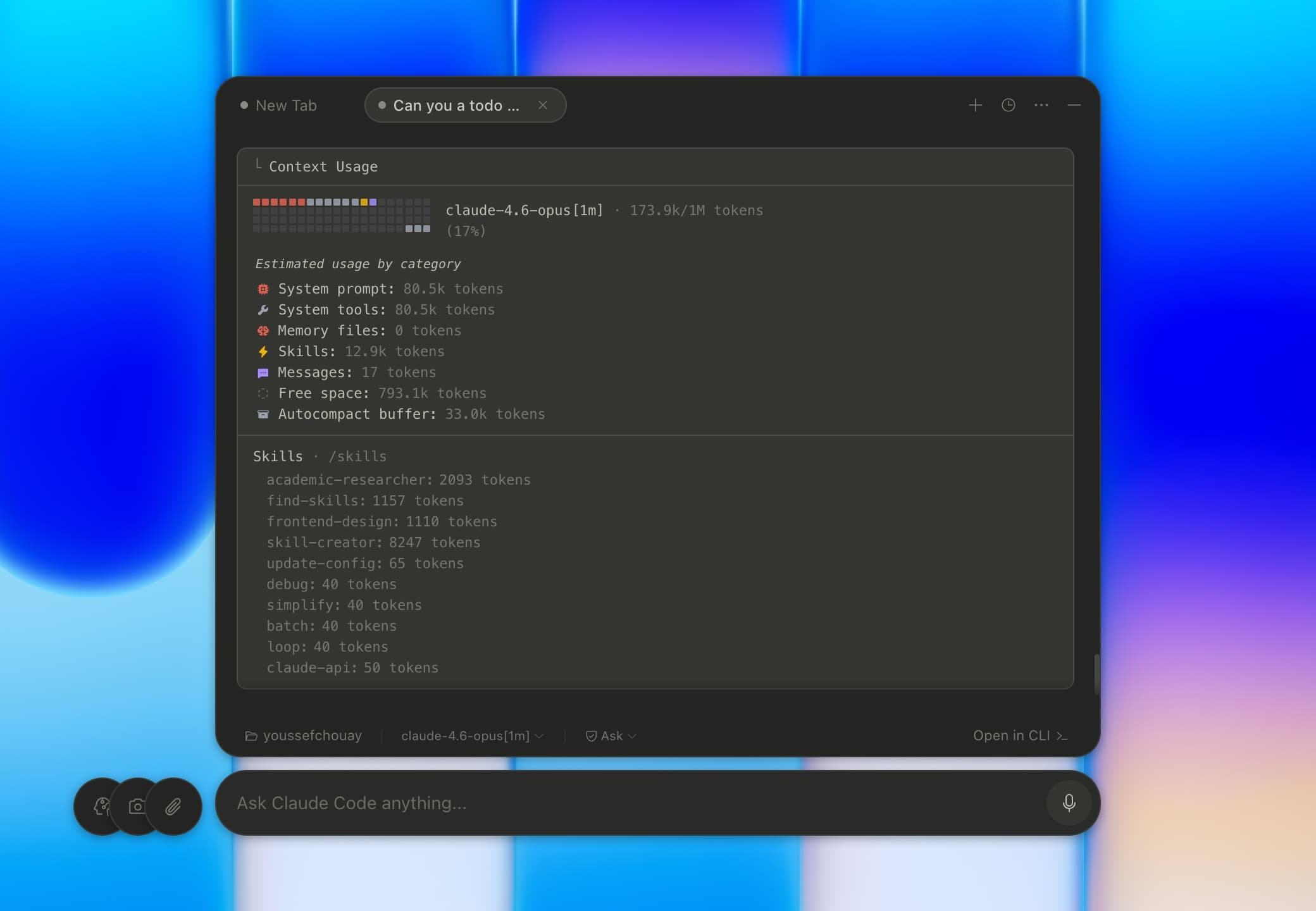
Live context budgeting: system prompt, tools, skills and messages, broken down token by token.
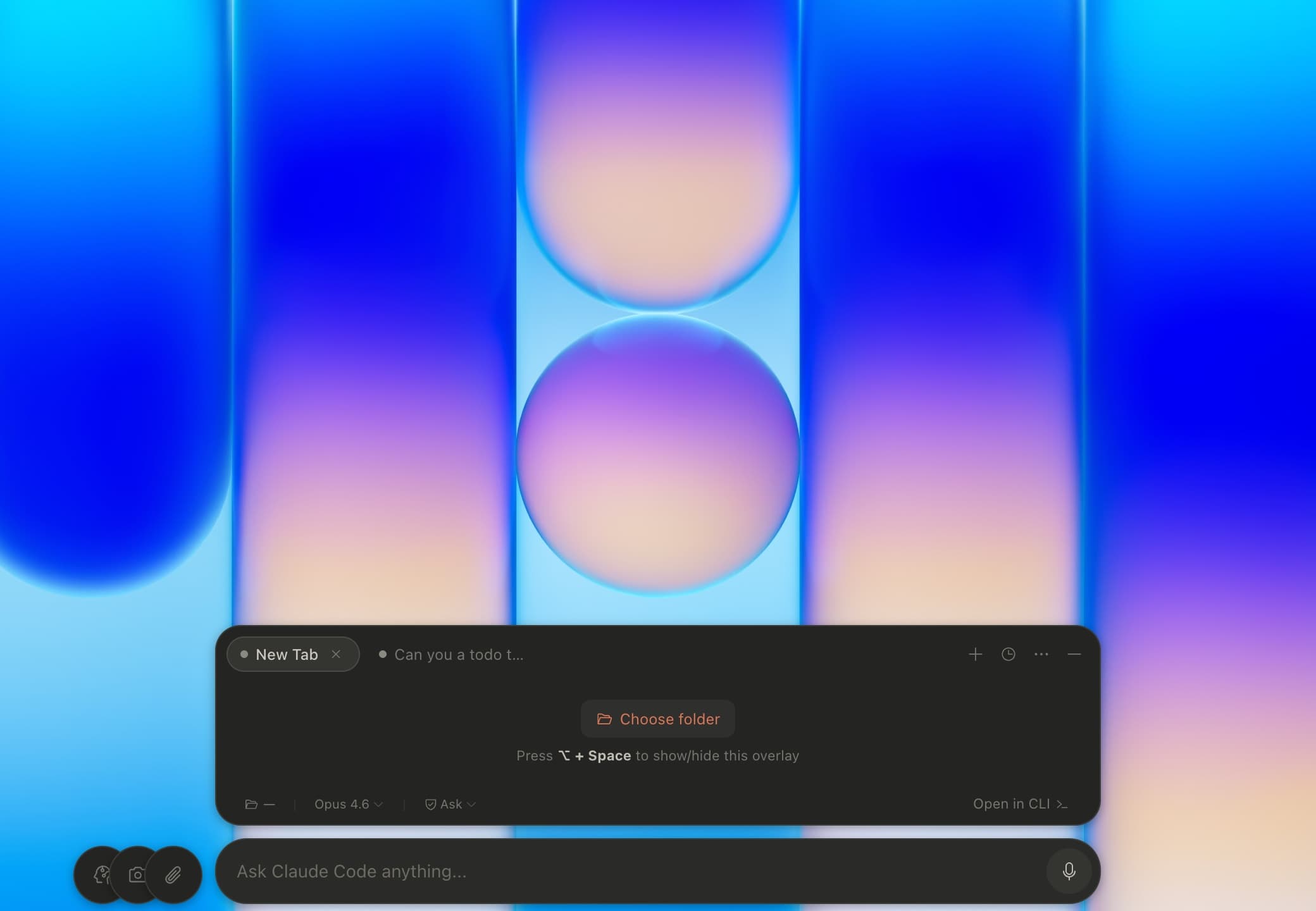
The resting state: pick a folder and start, or press ⌥ Space to make it vanish.
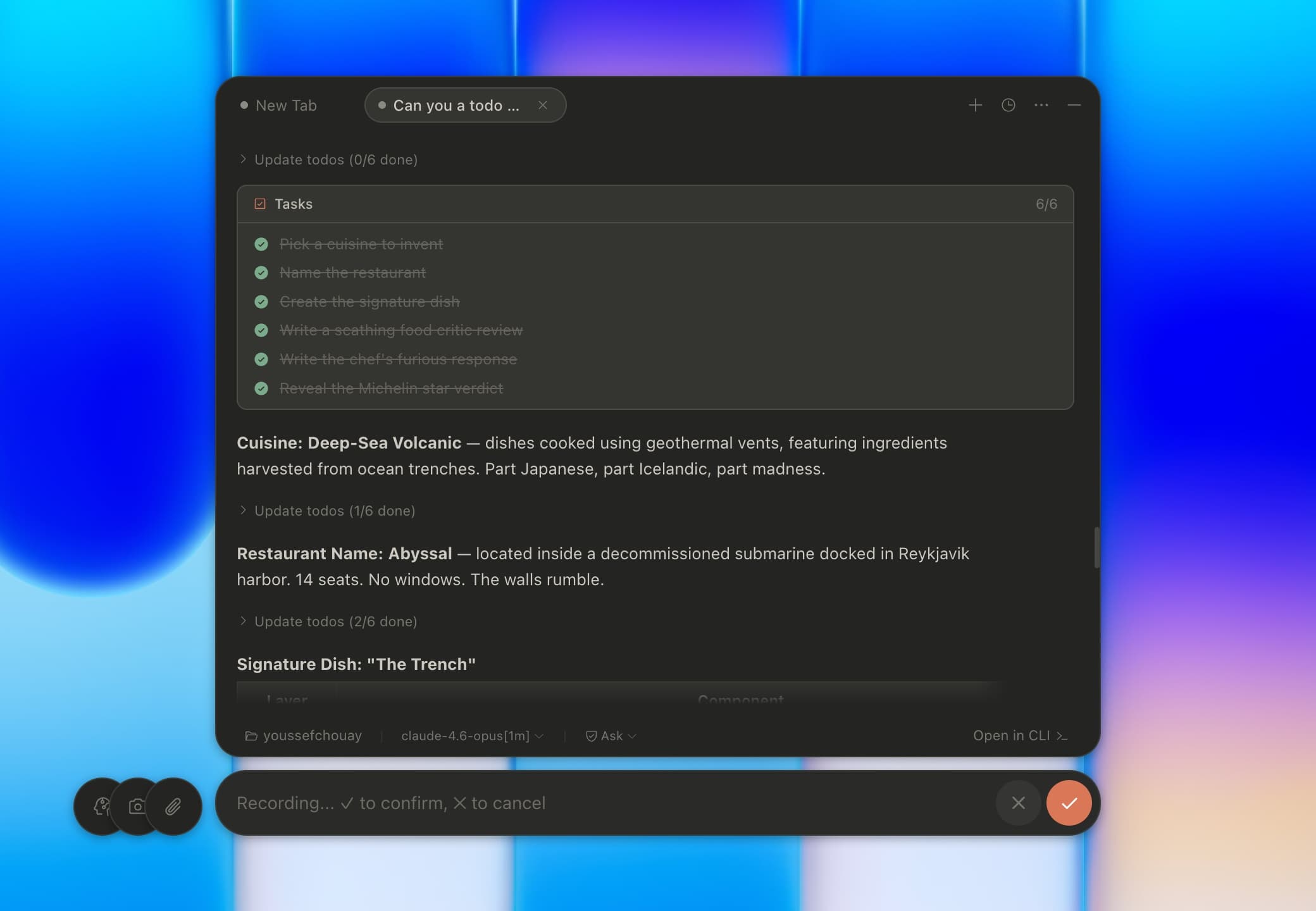
Live todo tracking and voice capture, side by side: the agent's plan and your dictated prompt in one calm surface.
Multi-tab sessions
Each tab is its own claude -p process with independent state.
Dual theme
Light and dark, system-follow or pinned.
Auto-updater
Ships updates silently via GitHub Releases.
Slash commands
Type / to run any installed skill.
File & screenshot attach
Paste images or grab a screen region into a message.
No API key needed
Reuses your existing Claude Code CLI auth.
$ brew install --cask Youssef2430/clui/cluiRequires macOS 13+ and the Claude Code CLI. No accounts, no sign-ups, no subscriptions.